Import your GEDCOM or KFT file
Start by importing your family tree file. You can upload a standard GEDCOM file or a native Kerinor KFT file, then choose how you want to explore the tree.
Family Tree View
A basic standard genealogy tree view for seeing the people and relationships in your file.

Station Explorer
Enter the world of Kerinor and navigate your tree using Kerinor's unique Family Station architecture.
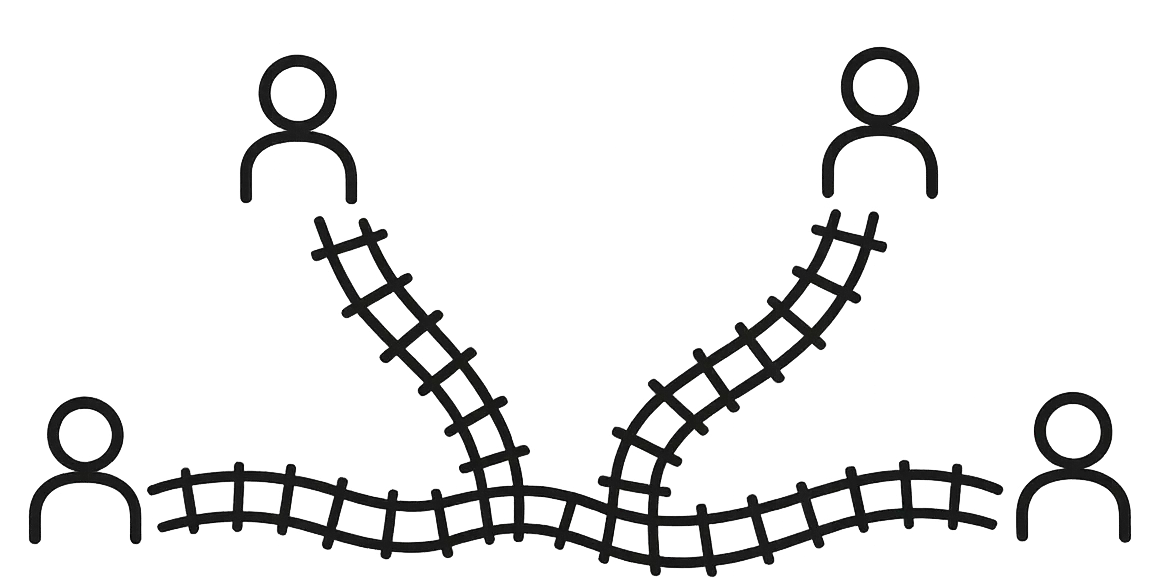
Route Finder
Find the route between two individuals in the tree using Kerinor's unique railway architecture.
Using Station Explorer
A Family Station represents a single family unit. Each station contains two coloured parent platforms, one for each parent, and one or more children.
Every individual appears as a child in one Family Station and may also appear on parent platforms in one or more Family Stations as that individual builds their own family.
Selecting an individual from the List View makes that individual the focus of Station Explorer. The individual's primary Family Station is displayed first, followed by every other Family Station in which that individual appears. This includes the Family Station where the individual is a child, every Family Station where the individual appears on a parent platform, and any additional Family Stations where the individual appears on a parent platform with a different partner. This provides a complete navigation of that individual's family connections from a single selection.
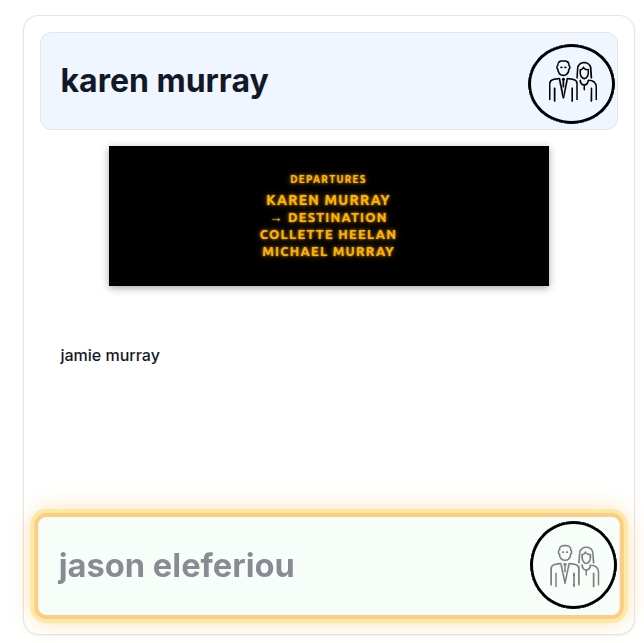
Parent Platform Icons
Navigate using the parent icons beside each platform. These help you move from a parent platform to that person's connected Family Station.
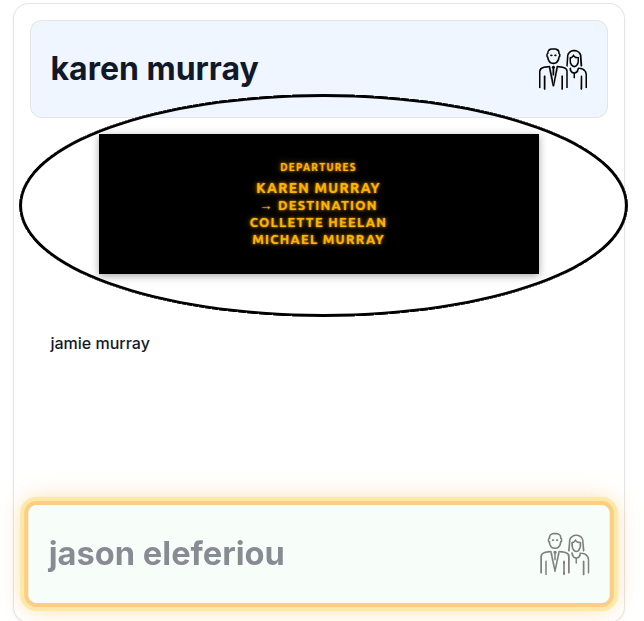
Family Information Board
The Family Information Board is always present at every Family Station. It indicates the outbound Family Station route for both parent platforms.
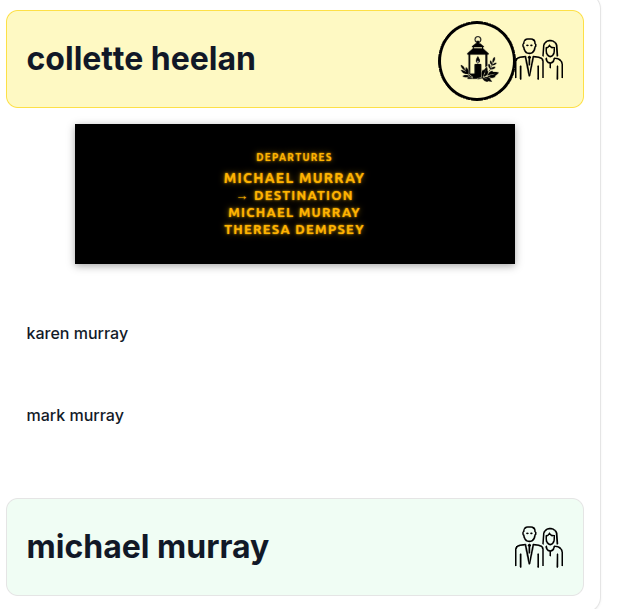
Linked Memorials
A gold coloured platform and lantern icon indicate that a Kerinor memorial is linked to that individual. Clicking the lantern icon opens the memorial.
Available only with native Kerinor KFT files.
Using Route Finder
Route Finder allows you to discover the family connection between any two individuals. Simply select a starting person and a destination person from the dropdown lists, then choose whether to view the journey as a Static Route or an Animated Route. Kerinor automatically calculates the path between the two individuals using its unique Family Station network.
Static Route
Shows the full route as a clear set of station cards.
Animated Route
Plays the route as an animated journey through the family stations.